

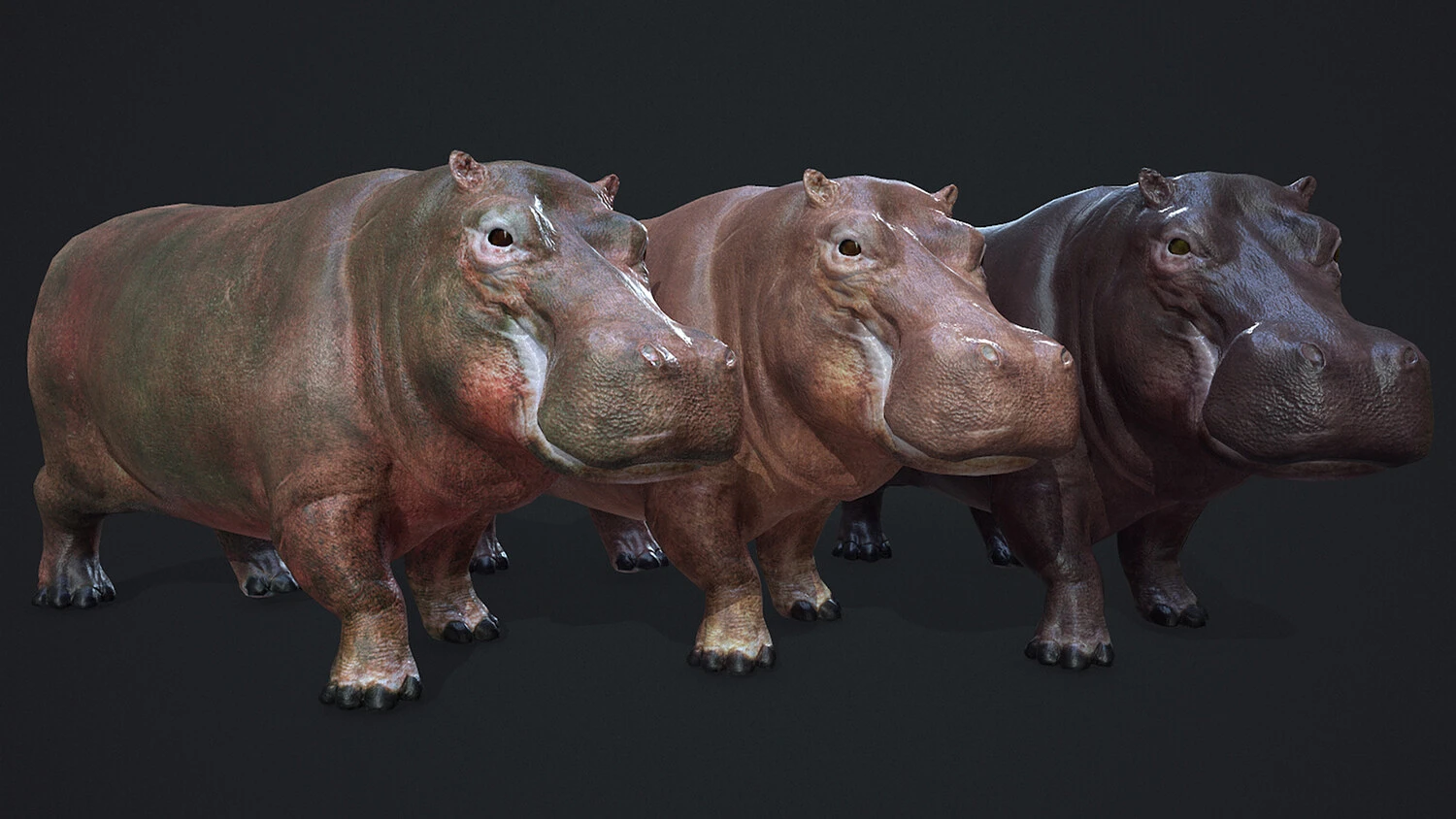
TLDR: If you're a beginner game developer, this guide is for you. Learn:
- What actually makes an asset "game-ready" (polycount, texel density, LODs — we break it all down)
- The build vs. buy decision — when to DIY and when to let someone else do the heavy lifting
- Shortcuts the pros use to build rich environments fast, including kitbashing
- Common mistakes when using marketplace assets (and how to avoid them)
Indie game developers vary widely in their speed and skill, from quick producers who can knock out a title in a month to devoted tinkerers who spend years on the last 1%.
There’s no right or wrong answer for how you go about it—but indie developers certainly aren’t known for having all the time and money in the world. Getting to the finish line means being scrappy and making the most of what you’ve got. And even if you put out an incredible concept that’s well executed, consumers aren’t going to wait around forever for your next title to drop.
How do the top indie teams balance the need for speed and nimbleness with maintaining high standards? One of the biggest secrets is making smart use of game-ready assets.
But what makes a game-ready asset perfect for your project? And how can you use them effectively to keep standards high, work efficiently, and maintain optimized performance? Here’s how the top indie developers get the most out of their investments.
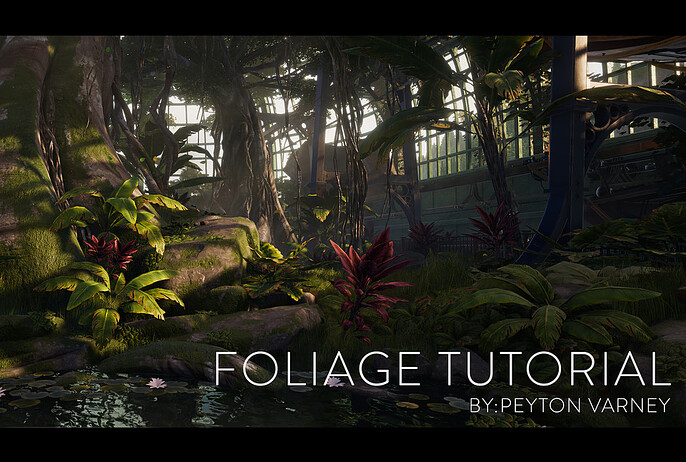
What “Game-Ready” Actually Means
Just because something looks great doesn’t mean it’s a good fit for your next game. Every asset in your project needs to be rendered in real-time, maintain consistency with the other elements in your world, and deliver appropriate levels of detail to maximize your engine’s capabilities.
There are a few crucial factors to look for in a true game-ready asset:
Polycount
A highly detailed model may sport tens of thousands of polygons, but every single triangle increases computational load. That can cause lags and slash frame rates—all of which kill a gamer’s experience.
Worse, high-poly models are often huge files, and excessively small triangles may be difficult or impossible for your engine to rasterize.
A game-ready asset should be a low-poly model that can be easily rendered at 30-60fps. For a desktop game, keep these numbers in mind:
- Hero assets. These are your bread and butter—shoot for 10k-50k max and build out detail through texture.
- Props. 500-3k should be more than enough to give you the look you want.
- Bosses. These high-profile enemies are worth the investment in detail and complexity. 10k-100k should be ideal depending on your engine.
- NPCs and Enemies. There may be a lot of these characters in a scene at once, so 2k-15k will help avoid lags when you’re getting swarmed.
Texel Density
It’s hard to get immersed in a game when the assets you fill it with don’t look like they belong in the same room. One of the biggest culprits is pixel density levels that make some assets look sharp while others are comparatively blurry.
Texel density is generally defined as pixels per square meter (or pixels/cm). The higher the pixel density, the greater the risk of performance degradation in your game.
So what’s ideal? Generally, a texel density of 512-1024 will make for good detail and eliminate blurriness while maintaining high performance. This also allows for effective height mapping, bump mapping, etc., which makes up for low-poly surfaces without adding to processing load.
Crucially, consistency is more important than visual realism. Even a heavily pixelated game can be fun and immersive if it’s well executed!
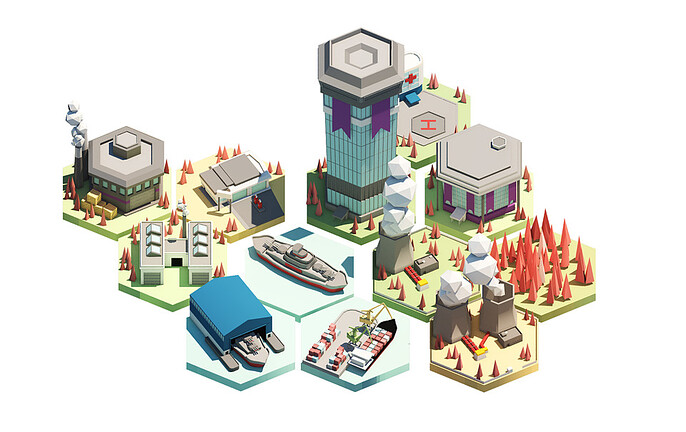
LODs
Objects that are off in the distance don’t need to be super-high res because that’s how they appear in real life to our eyes. But if you use the same foreground asset in the background, your engine still has the same processing task to manage.
A game-ready asset should provide several level-of-detail (LOD) models that reduce complexity depending on how far away an object is. Common LODs include:
- LOD0: 100% polygon count for close viewing (typically 0–10 meters).
- LOD1: ~50% polygon reduction for medium distances (10–25 meters).
- LOD2: ~75% polygon reduction for far viewing (25–50 meters).
- LOD3: 90% or greater reduction, sometimes using billboard impostors (2D representations) for distances exceeding 50 meters.
Build vs Buy: When Each Approach Makes Sense
For most indie developers, the question of build vs. buy often boils down to an equation of time, resources, and value to the game experience.
Ever heard of the 80/20 rule? There are a lot of variations, but in short, about 80% of a player’s experience comes from about 20% of the game’s overall design. That means you’ll want to put the majority of your time where it matters—and find fast workarounds for the other stuff.
There are obviously some elements that no self-respecting creator would ever outsource—but it can also be hard to balance how a generic element that speeds up production will affect the final look and feel of the game.
On top of that, a lot of new developers often feel uncomfortable giving up control over their pet project, even when the end result took way too much time and effort with little to no return.
So where do the top indie developers draw the line? Here’s how they conceptualize their workflow vs cash flow.
When to Build
The following game components should find their way into the DIY bucket.
- Heroes, bosses, and essential items. Any aspect of your game that will be a focal point for your audience is something you’ll want to build yourself. A great hero is going to be on the screen all the time, and an iconic boss or weapon is a thumbprint that demonstrates skill and showcases what you’re all about.
- Concept elements. Things that define the look and feel of the world you’re creating will probably need to be built from scratch or highly customized from pre-bought foundations.
- Stylistic consistency. If you can’t find something that matches well enough with the world you’re building, you’re probably better off investing the time getting it right—especially if it’s going to get used a lot.
- Skill development. Sometimes, you just need to suck it up and invest in a skill that will save you a ton of time down the road and make you a better game designer!
Buying Strategically
There are a lot of reasons why spending a little money on the right game-ready asset can be a huge savings in the big picture.
- Generic or low-priority elements. It would be amazing if we all had infinite hours to hand-craft every aspect of our pet project—but it’s not reality. Spend a little to build a portfolio of props you can endlessly customize.
- Realistic, achievable goals. A successful indie developer knows how to make the most of the resources they have—and where to draw the line. Take the time to assess what’s important, what’s possible, and strike a practical balance between creation and purchasing.
- Impractical costs. Especially when you’re learning, some things will be a bridge too far unless you outsource custom work. That can get expensive quick—and it may make more sense to compromise on a solid game-ready asset that’s close to what you’re looking for.
- Testing game mechanics. If you’re just doing some testing, it’s probably best to drop a little cash on a generic model to learn what you need to know. There’s nothing worse than building out a perfect hero only to find out you’re unhappy with the gameplay.
How Purchased Assets Fit into a Professional Pipeline
Because indie teams are small, they have to understand what they’re trying to achieve and create a streamlined pipeline from concept to launch.
For most developers, strategic purchases are essential to keep things moving. Here are some of the key ways that game-ready assets fit into a professional indie developer’s pipeline.
- Accessing expertise. Anything you don’t know how to do (or do well) has the potential to grind your productivity to a halt or seriously impact the quality of your work. If you know where these deficiencies lie, you can plan your investments to bridge the gap.
- Prototyping and experimentation. There’s no sense in getting months deep into a project building out a hero just to find out the game mechanics are flawed. A little investment in a generic game-ready character is often the best way to test out your concept.
- Customizing instead of creating. Most game-ready purchases will need to be customized to integrate into a unique world. By investing time and energy into what’s on the outside rather than building a model entirely from scratch, developers get maximum value with a minimum of hassle.
- Optimization. Every asset has to be optimized for the engine you’re using. Developers must consider how much time—if any—will be saved by building from the ground up as opposed to buying an asset and creating LODs, adjusting polycount, etc.
Environment Creation Shortcuts Professionals Use
A game can have hundreds of individual elements in a single scene, and at the end of the day, somebody has to design each and every one.
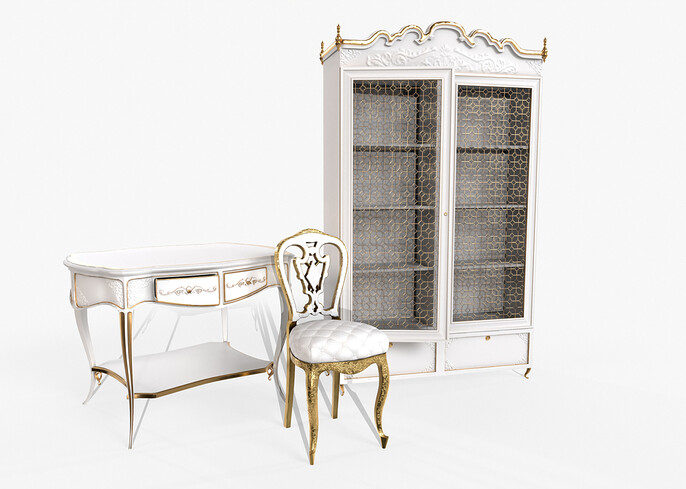
The truth? Most indie developers simply don’t have the time or resources to do the job.
That means purchasing game-ready assets to fill up your world. But how do you create a truly unique environment for your next project with premade assets everyone can buy?
Kitbashing is one of the top shortcuts game designers use to get a fresh look without reinventing the wheel. Like customizing game-ready NPCs, enemies, and items, it takes far less time to curate and edit than it does to build them from the ground up.
Here are some of the elements every developer should have on hand to quickly create new environments.
- Furniture. Interior spaces need beds, chairs, tables, and a host of other daily odds and ends to feel lived in. Have a flexible assortment in your archive that’s easy to manipulate.
- Weapons and gear. You’ll definitely want to build some of the central props from scratch, but do you really have time to hand-craft every knife and fork?
- Architectural elements. Cities, villages, urban landscapes, and ruins all require dozens of customized features. Fortunately, there’s no shortage of models for any environment.
- Rocks, cliffs, and mountains. The outdoors isn’t flat—you’ll need plenty of stone features to make it feel authentic.
- Plants. There are hundreds of thousands of plant species in the world, and they all change based on climate, altitude, latitude, and other environmental factors.
- Creatures. Life forms of all kinds are essential for…well… bringing your world to life! A single dog picking through your cyberpunk alley can instantly suck a gamer into a scene—but do you really need to rig it yourself?
- Textures. A portfolio of metal, brick, plastic, wood, aged, and distressed textures lets you endlessly reinvent the game-ready elements you already have.
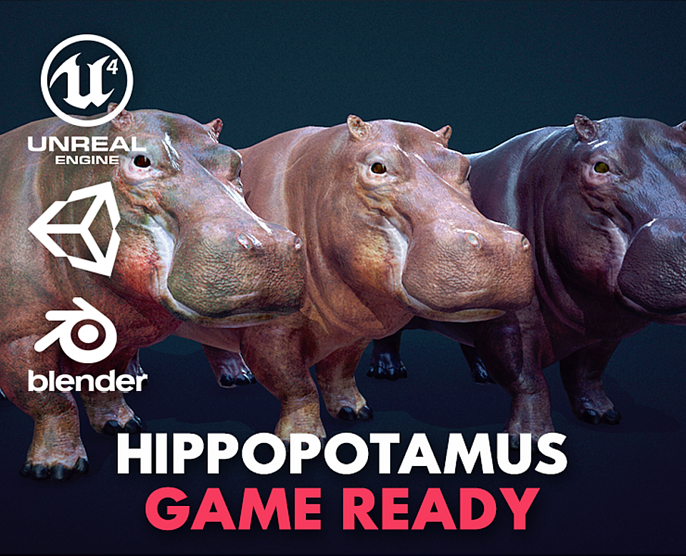
By picking and choosing what to buy and what to build for these less essential aspects, developers ensure they can spend as much time as possible on the 20% that makes all the difference.
Common Mistakes when Using Marketplace Assets
While game designers can get a lot of mileage out of game-ready assets through customization and kitbashing, that doesn’t mean every purchase is a good one. Here are some things to think about—and pitfalls to avoid—when buying assets for your next game.
- Visual consistency. There’s nothing more frustrating than buying an asset only to realize it looks completely out of place in ways that are time-consuming to fix. Look for elements that already have similar texel density and polycount levels as your other assets.
- Overuse. It’s one thing to find a similar rock formation in a sequel to your last game. But if gamers recognize similar assets everywhere they turn, it’s going to quickly break the spell.
- Lack of customization. The devil is in the details when it comes to working with game-ready assets. If you’re treating them as plug-and-play without any additional customization, your game will likely lack authenticity.
- Insufficient optimization. Where and how an asset will be used has a significant effect on the processing load. If a city of orcs is going to be onscreen all at once, you’ll need to take it into account when optimizing the base model.
- File format. The perfect model won’t do you any good if it’s in the wrong format for the engine you’re using. Double-check the technical specifications carefully before hitting “buy”.
Next Steps + Curated Cubebrush Asset Collections
Whether you’re taking the plunge into your very first game or you’re an established creator looking to squeeze the most out of every model in your archive, game-ready assets are going to be an essential part of your workflow.
If you’re looking for the perfect pre-built assets, textures, and models for your next indie project, Cubebrush has one of the best collections you’ll find anywhere in the industry. Our 1.5 million members and 12,000 storefronts have game-ready assets you can use to build out any world you’re imagining.
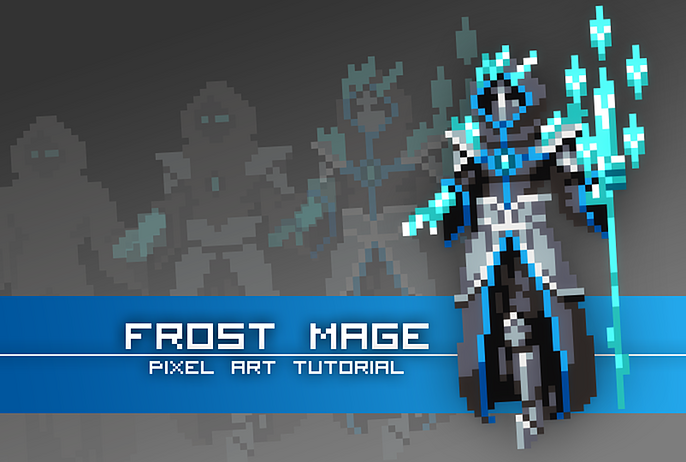
Our members have produced millions of individual objects, textures, and sounds to choose from, covering every imaginable genre and style. Plus, if you’re looking for some pro tips for perfecting your workflow, there are plenty of tutorials about game design and game-ready asset creation waiting for you.
Visit Cubebrush today and take your next game project from the drawing board to launch pad in record time!
FAQs
What is considered a game-ready asset?
Game-ready assets are characterized by a balance of visual quality and optimization for real-time rendering. This includes elements like low poly counts, texel density, and LODs.
What is the 80/20 rule?
The 80/20 rule states that around 80% of a user’s experience comes from about 20% of the game’s design. Core mechanics, hero artwork, and other elements that are constantly on display should receive maximum attention from developers, while other aspects can be purchased, customized, and optimized without much loss to the overall experience.
What exactly is kitbashing?
Kitbashing is the process of combining pre-made digital elements to create unique features for your game. This is a common strategy indie game developers use to speed up the production of complex environments that require a lot of individual elements.
How long do indie games take to make?
Indie developers are often small, and the time it takes to create a game can vary widely depending on the project. A skilled team working on a small project may be able to produce a great game in as little as a month, but it often takes six months to several years to polish a larger game.